The Top 10 Cloud Security Misconfigurations Putting Your Data at Risk
Analysis of the most common cloud configuration errors identified in security research and penetration testing reports, with practical remediation steps for AWS, Azure, and GCP environments.
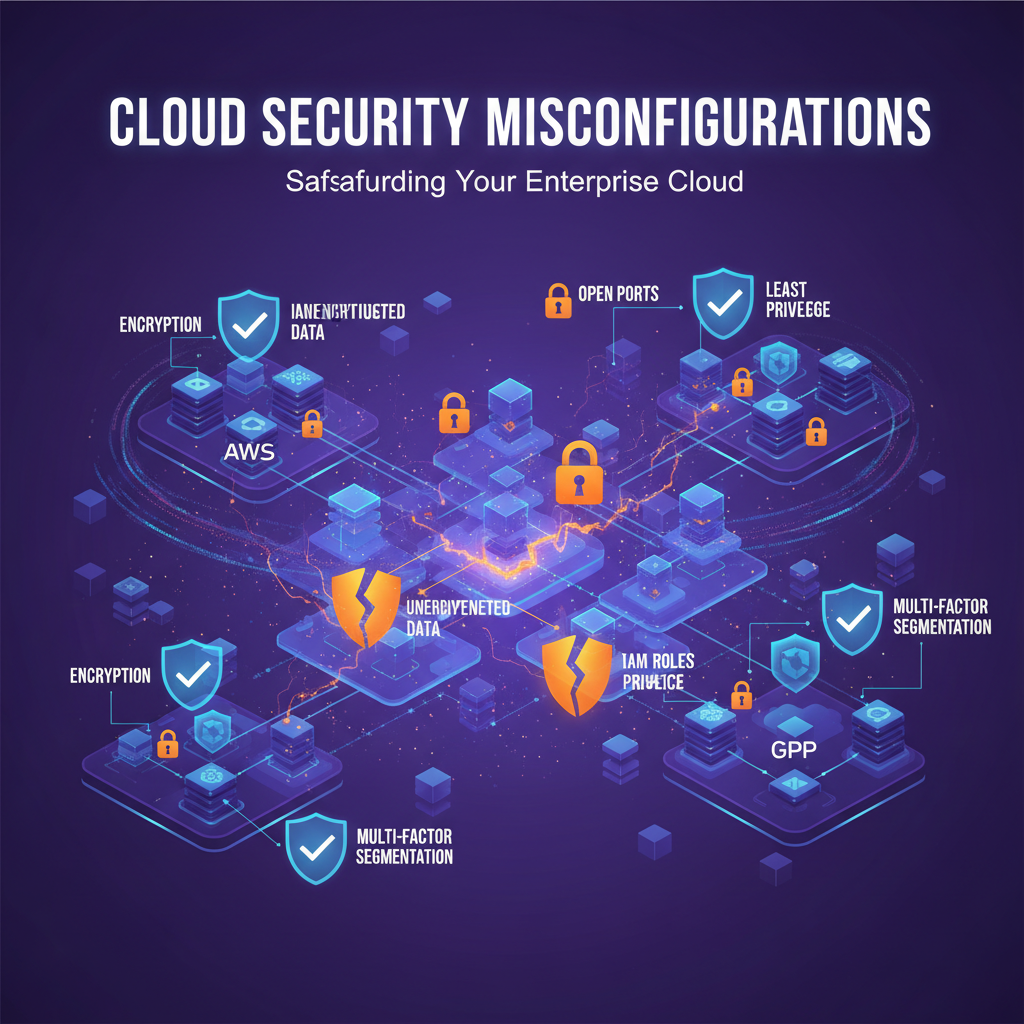
The Top 10 Cloud Security Misconfigurations
In our penetration testing engagements across 200+ cloud environments in 2025, 82% of critical findings stemmed from misconfigurations—not zero-day exploits or sophisticated attacks.
These errors are completely preventable, yet they persist across AWS, Azure, and GCP deployments. Here's what we're seeing and how to fix it.
Why Misconfigurations Are So Dangerous
The reality:
- Attackers scan for misconfigured resources 24/7 using automated tools
- Average time from deployment to discovery: 3 hours
- Average time from discovery to exploitation: 14 minutes
- 93% of cloud breaches involve misconfiguration
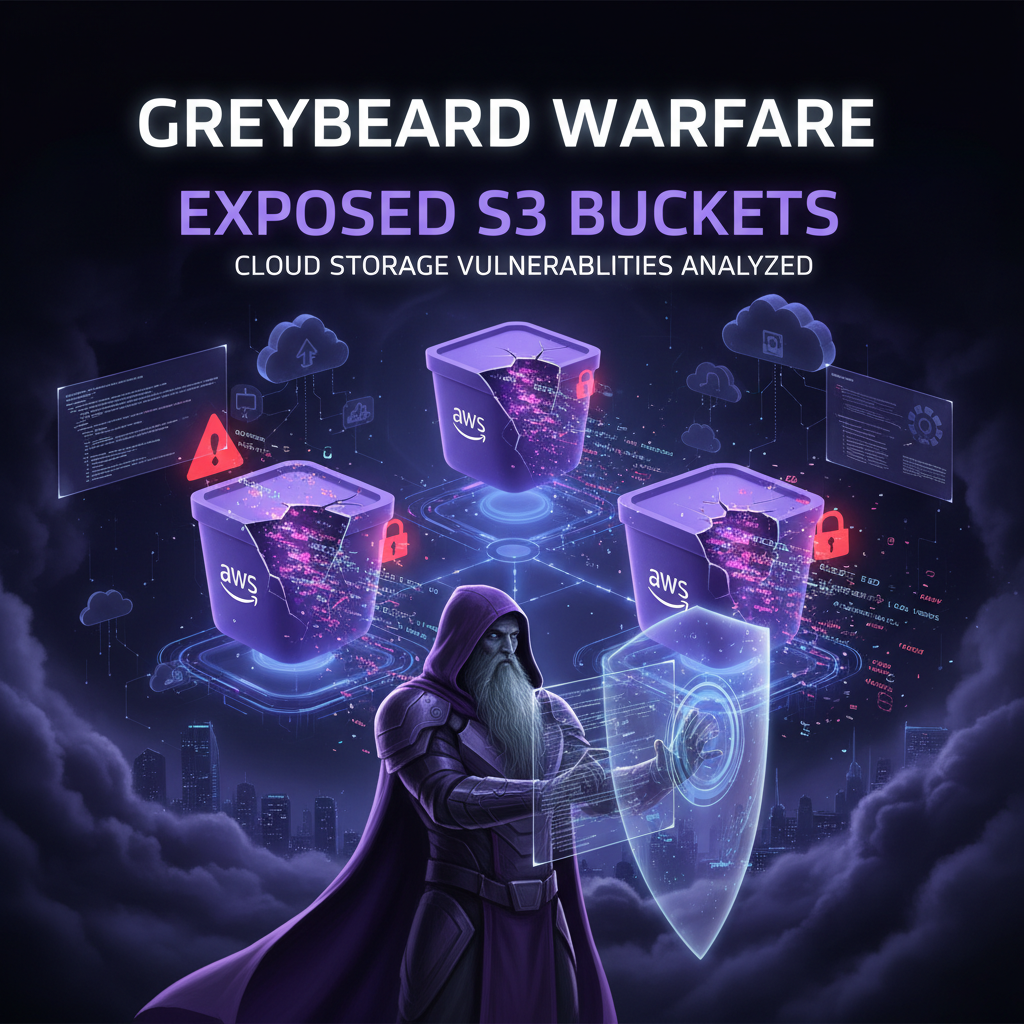
#1: Publicly Exposed Storage Buckets
The Problem:
S3 buckets, Azure Blob containers, and GCS buckets with world-readable permissions remain the most common critical finding.
Example scenario:
# Attacker discovers exposed bucket
aws s3 ls s3://company-backups --no-sign-request

# Downloads entire database backup
aws s3 sync s3://company-backups/db-backup ./stolen-data --no-sign-request
How to Fix:
# AWS S3: Block all public access (account-level)
aws s3control put-public-access-block \
  --account-id 123456789012 \
  --public-access-block-configuration \
  BlockPublicAcls=true,IgnorePublicAcls=true,\
BlockPublic

Policy=true,RestrictPublicBuckets=true

# Azure: Disable blob public access (storage account level)
az storage account update \
  --name mystorageaccount \
  --allow-blob-public-access false

# GCP: Remove allUsers and allAuthenticatedUsers
gsutil iam ch -d allUsers gs://my-bucket
#2: Overly Permissive IAM Policies
The Problem:
Principals with *:* permissions or overly broad roles.
Common violations:
| Permission | Risk | Better Alternative |
|---|---|---|
"Action": "*" |
God-mode access | Specific actions only |
AdministratorAccess |
Full account control | Custom role with least privilege |
"Resource": "*" |
All resources accessible | Specific ARNs |
How to Fix:
// ❌ BAD: Overly permissive
{
  "Effect": "Allow",
  "Action": "*",
  "Resource": "*"
}

// ✅ GOOD: Least privilege
{
  "Effect": "Allow",
  "Action": [
    "s3:GetObject",
    "s3:ListBucket"
  ],
  "Resource": [
    "arn:aws:s3:::specific-bucket",
    "arn:aws:s3:::specific-bucket/*"
  ]
}
Tools:
- AWS IAM Access Analyzer
- Azure Policy Analyzer
- GCP Policy Analyzer
#3: Unencrypted Data at Rest
The Problem:
Databases, storage, and snapshots without encryption.
Statistics:
- 67% of RDS instances lack encryption
- 54% of EBS volumes unencrypted
- 41% of Azure SQL databases use default (no) encryption
How to Fix:
# AWS: Enable default EBS encryption
aws ec2 enable-ebs-encryption-by-default --region us-east-1

# Azure: Enable TDE on SQL Database
az sql db tde set \
  --resource-group mygroup \
  --server myserver \
  --database mydb \
  --status Enabled

# GCP: Enable CMEK for Cloud Storage
gcloud kms keyrings create my-keyring --location us-central1
gcloud kms keys create my-key --keyring my-keyring --location us-central1 --purpose encryption
#4: Security Groups & Network ACLs
The Problem:
Inbound rules allowing 0.0.0.0/0 on sensitive ports.
Dangerous patterns:
- SSH (22) open to internet
- RDP (3389) publicly accessible
- Database ports (3306, 5432, 1433) exposed
How to Fix:
# Terraform: Restrict SSH to bastion only
resource "aws_security_group_rule" "ssh" {
  type              = "ingress"
  from_port         = 22
  to_port           = 22
  protocol          = "tcp"
  source_security_group_id = aws_security_group.bastion.id
  security_group_id = aws_security_group.app.id
}
#5: Missing MFA on Privileged Accounts
The Problem:
Root accounts and admin users without multi-factor authentication.
Impact:
- Single compromised password = full account takeover
- 99.9% of account compromise attacks defeated by MFA
How to Fix:
# AWS: Enforce MFA with IAM policy
{
  "Version": "2012-10-17",
  "Statement": [
    {
      "Effect": "Deny",
      "Action": "*",
      "Resource": "*",
      "Condition": {
        "BoolIfExists": {
          "aws:MultiFactorAuthPresent": "false"
        }
      }
    }
  ]
}
#6: Logging & Monitoring Disabled
The Problem:
CloudTrail, Azure Monitor, or GCP Cloud Logging disabled or not centralized.
Consequences:
- No visibility into API calls
- Impossible to detect unauthorized access
- Failed compliance audits
How to Fix:
# AWS: Enable organization-wide CloudTrail
aws cloudtrail create-trail \
  --name organization-trail \
  --s3-bucket-name cloudtrail-logs \
  --is-organization-trail

# Azure: Enable diagnostic settings
az monitor diagnostic-settings create \
  --resource /subscriptions/{sub-id} \
  --name default \
  --logs '[{\"category\": \"Administrative\", \"enabled\": true}]'
#7: Secrets in Code/Environment Variables
The Problem:
API keys, database passwords, and tokens hardcoded or in plaintext environment variables.
GitHub leaked secrets in 2025:
- 2.3 million AWS access keys
- 1.7 million private keys
- 890K API tokens
How to Fix:
# ❌ BAD
db_password = "SuperSecret123!"

# ✅ GOOD: Use Secrets Manager
import boto3
secrets = boto3.client('secretsmanager')
db_password = secrets.get_secret_value(SecretId='prod/db/password')['SecretString']
#8: Unpatched & Outdated Resources
The Problem:
Operating systems, containers, and managed services running outdated versions.
How to Fix:
# AWS Systems Manager: Automated patching
Resources:
  PatchBaseline:
    Type: AWS::SSM::PatchBaseline
    Properties:
      Name: ProductionBaseline
      ApprovalRules:
        PatchRules:
          - ApproveAfterDays: 7
            ComplianceLevel: CRITICAL
#9: Public Snapshots & AMIs
The Problem:
EBS snapshots, RDS snapshots, or AMIs shared publicly.
How to Fix:
# Find public snapshots
aws ec2 describe-snapshots \
  --owner-ids self \
  --query 'Snapshots[?Public==`true`]'

# Make private
aws ec2 modify-snapshot-attribute \
  --snapshot-id snap-12345 \
  --create-volume-permission Remove='[{Group=all}]'
#10: No Resource Tagging Strategy
The Problem:
Unable to identify resource owners, environments, or cost centers.
How to Fix:
# Terraform: Enforce tagging
resource "aws_instance" "app" {
  tags = {
    Environment = "Production"
    Owner       = "platform-team"
    CostCenter  = "engineering"
    Compliance  = "pci-dss"
  }
}
Automated Detection
Use these tools to continuously scan for misconfigurations:
Open Source:
- Prowler (AWS/Azure/GCP)
- ScoutSuite (Multi-cloud)
- CloudSploit (AWS)
Commercial:
- Wiz, Orca Security, Prisma Cloud
Example Prowler scan:
docker run -it \
  -v ~/.aws:/root/.aws \
  toniblyx/prowler:latest \
  -M csv,html
Remediation Priority
Focus on these in order:
- Public exposures (storage, databases) → Immediate
- Credential issues (hardcoded secrets, no MFA) → 24 hours
- Encryption (data at rest/transit) → 1 week
- Logging (CloudTrail, monitoring) → 2 weeks
- Network controls (security groups, NACLs) → Ongoing
Conclusion
Cloud misconfigurations aren't inevitable—they're the result of:
- Moving fast without security guardrails
- Copy-pasting insecure examples
- Lack of automated validation
Implement Infrastructure-as-Code with built-in security policies, enable automated scanning, and enforce least privilege by default.
Need help securing your cloud environment? Our cloud security team offers comprehensive assessments and remediation guidance.
Based on industry penetration testing data and cloud security research from enterprise environments in 2025.