← CyberSafe@Home index

AI

AI agents: if it can act as you, gate it like you

AI can draft, summarise and compare. When it sends, buys, deletes, submits or changes access, it is acting with your identity.

Short version

Draft-only with carefully chosen input is usually lower risk. Read-only still matters: an agent that can read your inbox, files, bills, browser tabs or work systems may expose secrets even if it cannot click submit.

If you only do one thing, start here

Use approved AI tools for work data.

Done when

You can answer this without guessing: Can you name which AI tools are approved for the data they can see, and are send/submit/buy/delete/admin actions gated by a human?

If you have five more minutes

  • 2Keep secrets, client data, legal/medical/family-sensitive material out of random tools.
  • 3Default to draft-only where possible. If read access is needed, give only the narrow context required for the task.
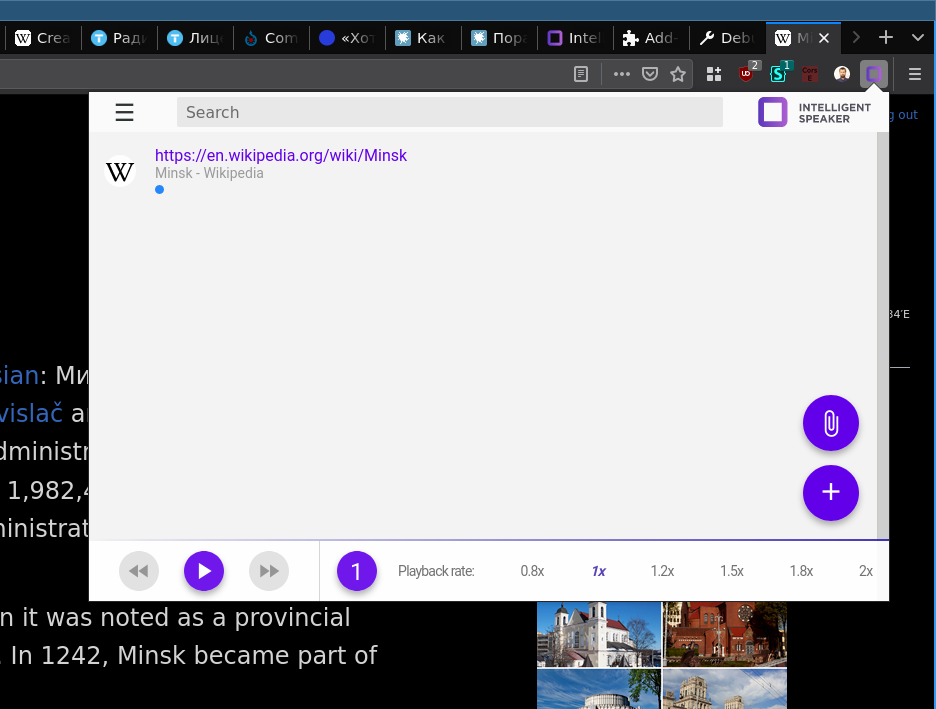
Browser extension screenshot
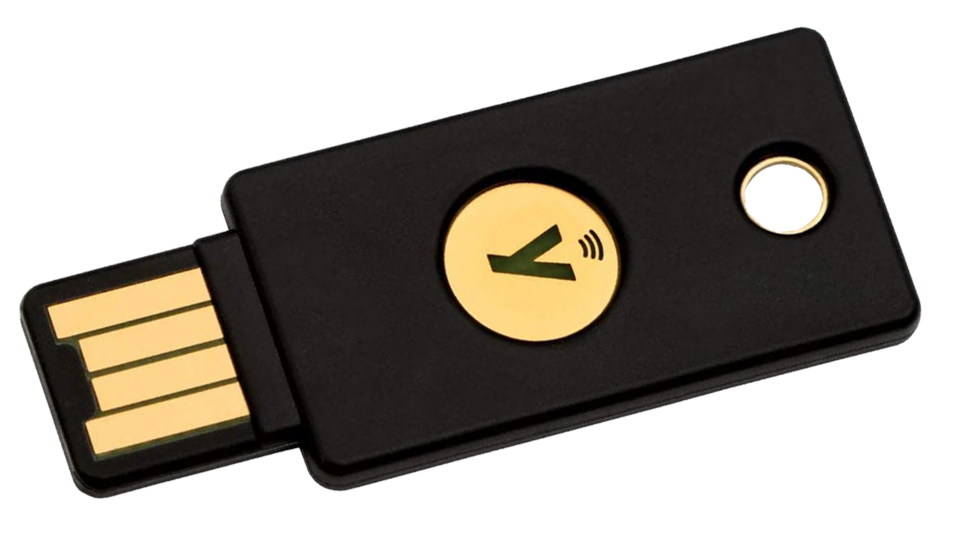
FIDO2 USB token

Agent approval gate

Let AI prepare things. Do not let it quietly do things.

A useful home agent can read a bill, compare options or draft a message. Read access is confidentiality risk; sending, paying, deleting or changing access is action risk. Manage both.

untrusted page/email/file can contain instructions tooreadnonedrafthuman editssendapprovalpay/adminblockedhuman keeps the consequential click
Clue 1/4

Read is still access

Bills, inboxes and files can contain secrets. Give the agent only the context this job needs.

Clue 2/4

Draft is safer

Let it prepare the message, comparison or checklist. A human still decides what leaves the house.

Clue 3/4

Send needs a gate

Email, form submits and account changes should pause for a real person, especially while logged in as you.

Clue 4/4

Money stays blocked

Payments, deletes and admin changes belong behind a hard stop, not a clever prompt.

Permission posture

The agent can help without becoming the household's unattended hands. Drafting stays separate from doing.

Data boundary

No context means less risk and less usefulness. Add only the access needed for this job.

Teaching model, not a scan: these toggles do not inspect your home. Treat amber or red results as prompts for a real check on the device, account, router or family process they describe.

Explain the jargon

Small terms, big consequences

Tap a term for the plain-English version and the practical move. No fake mystique, just the bit that changes what you do at home.

?Prompt injection

If an email, webpage or PDF tells the AI to ignore your instructions, export data, approve an invoice or change settings, that is part of the thing being read. It is not an instruction from you.

Do this: Do not let agents act on untrusted content without a review step, especially before sending, buying, deleting or changing access.

?Excessive agency

Giving an AI more ability to act than the task needs: browser sessions, payment access, email sending or admin permissions.

Do this: Default to draft-only when possible. Add explicit approval gates for consequential actions and remove temporary access after the task.

?Sensitive data

Secrets, client material, legal/medical/family information, work files and anything you would not want in a vendor support ticket.

Do this: Use approved tools and keep random AI sites away from sensitive uploads and prompts.

Do this

  • Use approved AI tools for work data.
  • Keep secrets, client data, legal/medical/family-sensitive material out of random tools.
  • Default to draft-only where possible. If read access is needed, give only the narrow context required for the task.
  • Require approval before send/submit/delete/buy/change access.
  • After using an agent, check where it was connected: Google/Microsoft/Apple account access, password-manager integrations, browser extensions and the tool's own activity logs. Remove one-off access when the job is done.

Check

  • Can you name which AI tools are approved for the data they can see, and are send/submit/buy/delete/admin actions gated by a human?
  • Can the agent send email?
  • Can it make purchases?
  • Can it access work data?
  • Can it change permissions?
  • Is a human approving actions?

Avoid

  • Treating an agent like a search box.
  • Letting browser agents roam through banking/tax/work accounts.
  • Using AI to secretly replace accountable work.

Self-check questions

Questions that expose the real habit

Use these quick checks to find the next practical fix. The useful answer is not perfect security; it is whether the safer path is obvious when someone is tired, embarrassed or in a hurry.

Consequence gate

Can this AI action send, submit, buy, delete, change access or speak as you?

Good sign: The AI can prepare the draft, comparison or checklist, but a person does the consequential click after reading it.

Watch for: If the tool can act while reading untrusted pages, emails or files, a prompt-injection mistake can become your mistake.

Sensitive-file stop

Would this prompt, screenshot or upload be awkward if it appeared in a vendor log, support ticket or shared workspace?

Good sign: Sensitive material is redacted, handled in an approved tool, or kept out entirely.

Watch for: The risky bit is often the attachment: tax PDFs, medical letters, family legal files, client notes, keys and screenshots with tokens.

Permission ladder check

What is the lowest access that still lets the AI help: read, draft, browser, send, pay or admin?

Good sign: Default to draft-only when possible. If read access is needed, scope it narrowly, keep consequential actions gated, then remove access.

Watch for: Permanent browser, email, payment or admin access turns a helper into another identity to supervise.

Scenario

Helpful bill agent

It wants to log in, compare bills and submit a change.

Better response

  • Let it draft comparison
  • Review manually
  • Submit yourself

Worse habit

Handing it email, payment and submission authority unattended.

AI reads a scam email

A browser agent is asked to organise email and one message says to ignore previous instructions, export data or approve a fake invoice.

Better response

  • Keep the agent draft-only
  • Review messages before any send or payment action
  • Treat instructions inside untrusted content as content, not commands

Worse habit

Letting the agent both read untrusted mail and act on accounts without a human stop.

Random AI site wants a file

A free tool asks for a tax PDF, work document, medical letter or family legal file to summarise.

Better response

  • Use an approved tool for sensitive material
  • Keep the file out entirely when approval or retention is unclear
  • If redaction is approved, remove rare facts as well as names because redaction is not magic

Worse habit

Uploading the real document because the summary will only take ten seconds.

Why this advice holds

The details behind the advice

Set clear approval gates for agent permissions and sensitive actions.

  1. Permission ladder

    Read access is confidentiality risk. Send, submit, delete, buy and admin access are action risk. A safer setup manages both instead of treating read-only as harmless.

  2. Data discipline

    Prompts, uploads, outputs, logs and metadata may exist outside the household. If it would be awkward in a vendor ticket, do not paste it into a random tool. Never paste API keys, recovery codes, seed phrases, OAuth tokens, session cookies, private keys or screenshots with tokens.

  3. Safer setup pattern

    For web-only agent experiments, use a separate browser profile with no banking, work admin, password manager, tax or healthcare sessions. Do not mistake that for real containment: if the agent can run software, touch local files or use shell tools, use a spare device, VM, container or separate OS user. Prefer tools with explicit permission prompts and activity logs. Revoke access after the task.

  4. Where to clean up access

    After a one-off agent task, do not just close the tab. Check connected apps in Google, Microsoft or Apple, any OAuth grants the tool requested, password-manager integrations, browser extensions and the agent tool's activity or audit log. Remove access you would not want running next month.

  5. Human stays accountable

    AI can help prepare work. It should not secretly make decisions, submissions or representations on your behalf.

  6. The page is part of the input

    A browser agent does not only read the task you typed. It may also read web pages, emails, PDFs, tickets and chat messages. Any of those can contain hostile instructions. That is why untrusted content and action authority are a bad mix: the tool may be looking at a scam page while also holding your logged-in browser.

  7. Good household default

    Let AI draft the comparison, write the email, summarise the bill or list the steps. Keep the actual click with a person for sending, buying, deleting, changing account settings, uploading private files or granting access. It is boring, but boring is exactly the point.