camera
checkThis one still has a sensor, support or inside-reach question worth settling before it becomes background furniture.
IoT
Cameras, speakers, TVs, printers, picture frames and cheap gadgets have sensors, cloud accounts and patch lifecycles. Some are simply weakly secured. Some behave more like general-purpose computers than passive appliances. Place them like they matter.
Short version
Put cheap devices on guest Wi‑Fi, remove defaults, update them, and keep cameras/mics away from work calls and private spaces. If a gadget shows unexplained network behaviour, treat it as a device problem, not decor.
If you only do one thing, start here
Walk the house and write down every camera, speaker, TV, printer, NAS, smart-home bridge and digital photo frame. If you cannot identify one, use the sticker, vendor app, order email or router client list before guessing.
Done when
You can answer this without guessing: Can you name each smart device, owner account and support/update path without guessing?
If you have five more minutes

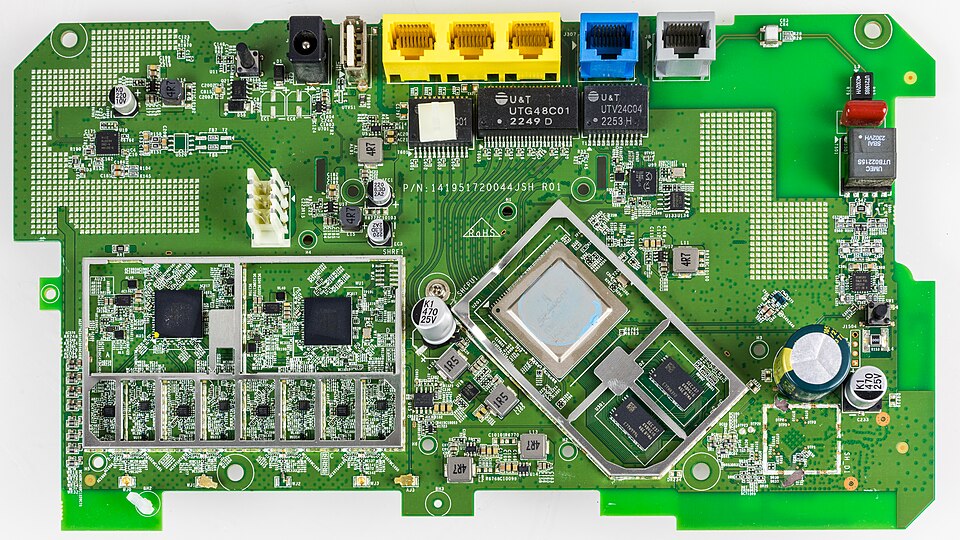
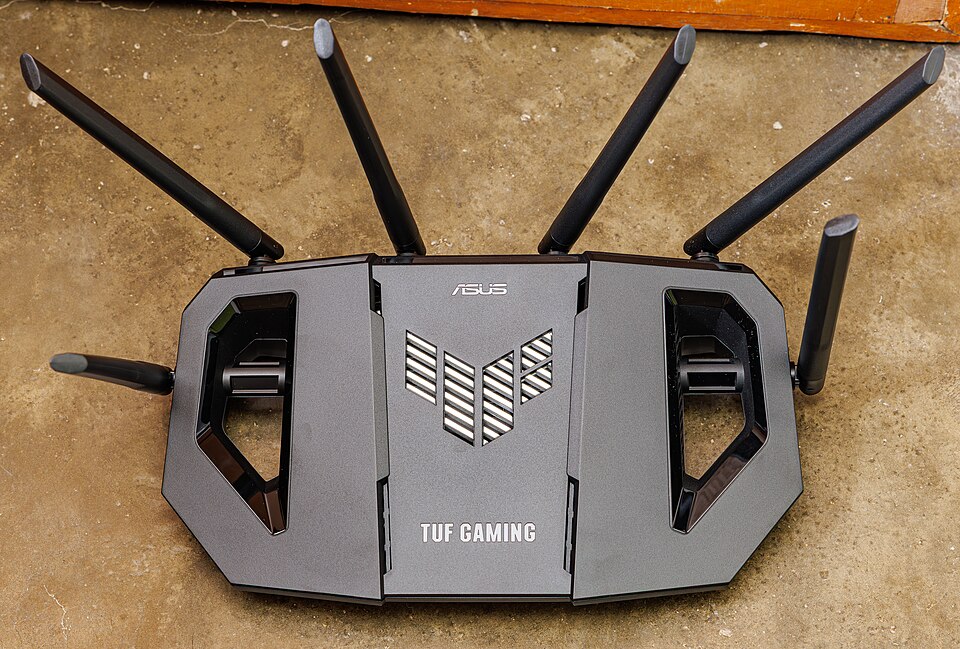
Smart-home room map
The issue is not that every gadget is evil. It is that cameras, speakers, printers, TVs and cheap Android picture frames are computers with network reach. Put them where they belong, then fence the weird ones.
This one still has a sensor, support or inside-reach question worth settling before it becomes background furniture.
This one still has a sensor, support or inside-reach question worth settling before it becomes background furniture.
Placement, network lane or support story looks reasonable for this device.
Placement, network lane or support story looks reasonable for this device.
This one still has a sensor, support or inside-reach question worth settling before it becomes background furniture.
This one still has a sensor, support or inside-reach question worth settling before it becomes background furniture.
A cheap or unsupported gadget can still look sideways at laptops, printers, NAS or work gear.
The sensor cone still overlaps the work zone. That is a placement problem, not a settings problem.
Buying/lifecycle checklist
Before checkout, ask the boring questions. Who updates it? Where does it sit? What can it see? What happens when it gets weird?
Vendor support is visible before it joins the house.
Cheap gadgets land on the guest/IoT side by default.
Factory passwords and easy cloud access are cleaned up.
It can still see or hear the wrong part of the room.
Scanning and odd logins may stay invisible until someone notices pain.
Teaching model, not a scan: these toggles do not inspect your home. Treat amber or red results as prompts for a real check on the device, account, router or family process they describe.
Explain the jargon
Tap a term for the plain-English version and the practical move. No fake mystique, just the bit that changes what you do at home.
Traffic from one internal device to other internal devices. It is how a compromised gadget looks for laptops, NAS boxes, printers, servers or identity services after it is already inside the home network.
Do this: Keep IoT on guest Wi‑Fi or an IoT VLAN. If you do not have logs, use visible clues first: router/app alerts, odd data use, devices active when idle, or a gadget that reappears after removal.
Traffic a device has no practical reason to generate. A photo frame or cheap camera should not behave like a workstation looking for internal services.
Do this: Treat that as suspicious, isolate the device, capture logs where possible, or unplug/move it to guest Wi‑Fi while deciding whether it is worth keeping.
Many cheap smart devices are basically small Android computers. If they run old Android builds and never receive fixes, they carry old vulnerabilities forever.
Do this: Buy from vendors with update history, isolate cheap imports, and retire devices with no support path.
Self-check questions
Use these quick checks to find the next practical fix. The useful answer is not perfect security; it is whether the safer path is obvious when someone is tired, embarrassed or in a hurry.
Walk through the house and name every camera, microphone, printer, TV, NAS, speaker and picture frame. What can each one see, hear or reach?
Good sign: Sensors sit away from work calls, bedrooms and sensitive screens; unnecessary devices are removed or muted.
Watch for: A device that feels decorative can still record, cloud-sync or sit beside private conversations.
Who updates this device, where are notices sent, and what is the replacement plan when support ends?
Good sign: The vendor has a visible update path and someone in the house owns support and retirement.
Watch for: If nobody knows who patches it, the device is borrowing trust from the whole network.
What happens if a gadget scans the LAN, makes odd DNS requests or tries logins it should never attempt?
Good sign: The household isolates it, records what was seen, removes it from the main network and replaces it if the behaviour cannot be explained.
Watch for: Shrugging because the gadget is cheap lets suspicious inside-network behaviour become normal.
Scenario
A cheap cloud camera points at a desk used for work calls.
Better response
Worse habit
Assuming domestic devices cannot create work exposure.
A cheap Android picture frame arrives from an online marketplace and quietly starts scanning the home network.
Better response
Worse habit
Leaving it beside work devices because it is 'only a photo frame'.
Why this advice holds
Decide where sensors and IoT belong, what to do when a device is unsupported, and how to reduce reach when replacement is not realistic today.
Privacy is physical. A camera pointed at a desk or a speaker beside a legal, medical or work call is a security decision, even if the device was bought for convenience.
Treat bargain smart devices as small computers, not passive decorations. The warning signs are old Android builds, unexpected DNS traffic, local-network scanning, or a gadget trying to talk to services it has no reason to use. The practical lesson is not panic; it is isolation, support checks and removal when behaviour cannot be explained.
The point is not that every bargain gadget is malicious. The pattern is simpler: unsupported software, weak defaults, cloud accounts, sensors and flat home networks create a soft inside lane. A cheap camera, frame or TV does not need to be important to become useful to someone else.
If a vendor will not update it, the device has an expiry date even if it still plays music or displays photos. The buying question is not only 'does it work?' It is 'who patches it, for how long, and what can it see while it waits?'
For most homes, a basic IoT/guest lane is a practical improvement without turning the house into an enterprise network. Check that guest/IoT Wi‑Fi actually blocks access to main devices. If it only changes the SSID and still reaches laptops, NAS, printers or router admin pages, it is not real isolation.
Do not pretend every household can inspect DNS or firewall logs. Start with signals people can see: the router or ISP-app device list, repeated app/router alerts, unexpected data use, a gadget active when nobody is using it, or a device that reappears after removal. When in doubt, move it to guest Wi‑Fi, unplug it, or replace it rather than trying to become a SOC analyst at the kitchen table.